Run A Farm Farm Scripts
Auto harvest, sell, plant, eggs, workers, and teleports — use carefully.
Before you use any script
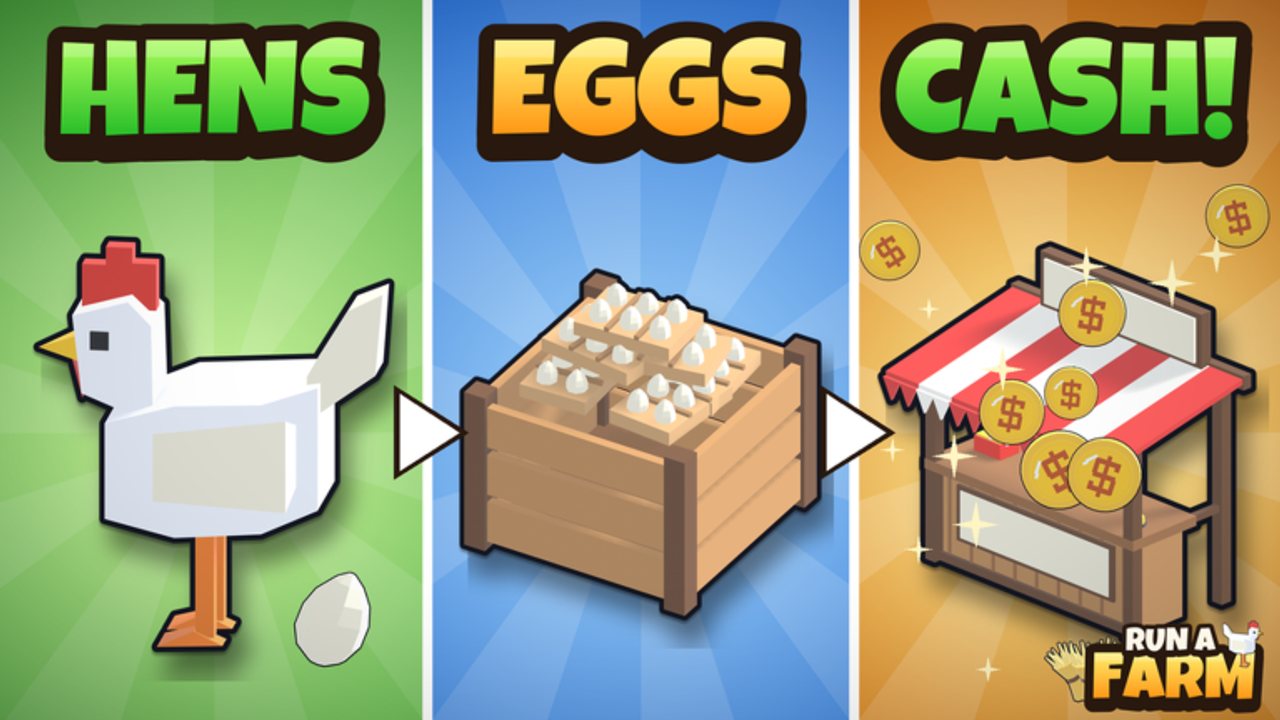
Run A Farm! scripts automate the same loop you play by hand: collect eggs, restock the stand, plant and harvest crops, sell in town, dig ore, hire workers, and buy upgrades. Automation can save time on a 6-player server, but it also carries risk.
Use every script at your own risk. Roblox can moderate accounts that use third-party executors or exploit tools. Key systems may ask you to complete link-vertise or similar unlock steps. Never paste unknown loadstrings from random chats. Prefer hubs that list clear features, keep your main account offline while testing if you are unsure, and stop immediately if a UI asks for your Roblox password — legitimate farm scripts never need that.
This hub documents popular loadstrings circulating for Run A Farm! so you can compare features. We do not host executors and we do not guarantee uptime after patches such as UPD 5 / NEW ANIMALS.
How to run a script
- Install a Roblox executor that works on your device and Windows/Android build. Unsupported clients will fail silently.
- Join Run A Farm! (Universe 10768558548 / Place 79496881832552) and wait until your farm fully loads.
- Open the executor, paste one loadstring from the sections below, and press Execute.
- If the hub uses a key system, complete the unlock page, paste the key into the script UI, then enable the toggles you want.
- Start with one feature (for example Auto Collect Eggs) before turning on every toggle. Watch Cash and inventory so you notice broken paths after an update.
If the script errors, the game likely patched a remote or GUI name. Wait for the hub author to update the loadstring rather than stacking multiple scripts at once.
Spark Hub
Spark Hub focuses on full-loop automation: crops, eggs, quests, workers, and teleports. It is a strong all-in-one option when you already understand the manual loop from the Getting Started guide.
Features
- Auto Harvest
- Auto Sell
- Auto Plant
- Auto Buy Seeds
- Auto Eggs (collect / restock style loops)
- Auto Quests
- Worker helpers
- Teleports around the farm and town
Loadstring
loadstring(game:HttpGet("https://flowauth.net/v1/ui/7e51999b1e73f6ac38f53ceec66f8e71.lua"))()Suggested first toggles: Auto Eggs while you stand near the coop, then Auto Plant / Auto Harvest after Field 1 and Sprinklers are unlocked. Keep Auto Buy Seeds capped so you do not dump Cash meant for Farm Office ($500) or Storage Racks ($800).
Alexandria Hub
Alexandria Hub leans into progression automation — planting through hen upgrades and worker hiring — which matches the mid-game when egg price tiers and crop unlocks matter more than pure AFK collection.
Features
- Auto Plant / Harvest / Sell
- Auto Buy Seeds
- Auto Unlock Crops
- Auto Collect / Restock
- Upgrade Hens
- Egg Price upgrades
- Hire Workers
- Claim Quests
Loadstring
loadstring(game:HttpGet("https://flowauth.net/v1/ui/2e31bcde4daddac08f93224fc3e13f97.lua"))()Egg price upgrades climb $2 → $2.50 → $3. Letting the hub push those upgrades while Auto Collect / Restock runs can multiply stand income without babysitting the UI. For workers, remember the cash gates: Stocker $550 (12 eggs, 3 slots), Planter $400 (1 field per trip, 2 slots), Farmhand $1020 (15 crops, 6 slots), and Tractor Driver once you own the Tractor Barn. Auto-hire is helpful only after you can afford the next slot without stranding yourself.
Softkillz-style farm script
A lighter gist-based loadstring is popular when you want a smaller UI or when larger hubs are key-locked. Feature sets on gist scripts change often; treat the list inside the executed UI as source of truth after you run it.
Loadstring
loadstring(game:HttpGet("https://gist.githubusercontent.com/user2084375/ef0c1434dc71b6bec4349ee57b04f1b5/raw/66f8d272ceecb1117226b0c7fd72a5850403399f/gistfile1.txt"))()Use this when Spark or Alexandria fail to inject after a patch and you need a fallback while authors update. Re-check the gist URL if execute returns 404 — raw gist links can move when authors revise files.
Optional Pastebin loadstring
Another circulating option uses a Pastebin raw file. Same safety rules apply: read the UI toggles after execute, and do not enable destroy or kick functions if the menu exposes them.
Loadstring
loadstring(game:HttpGet("https://pastebin.com/raw/fBi828Fj"))()Pastebin raw endpoints sometimes rate-limit. If HttpGet fails, wait a minute or switch to Spark / Alexandria instead of spamming execute.
What to automate first
Match toggles to your unlocks so scripts do not path into locked zones:
- Eggs — collect and restock the stand before anything else. This is the day-one income loop.
- Seeds and fields — after Seed Market ($50) and Field 1 ($120), enable Auto Plant / Harvest. Wheat (~30s, $2) and later Carrot (~45s, $5, ~$400 unlock) benefit most from sprinklers (30% faster).
- Sell / truck runs — turn on Auto Sell once you can reach town drop-offs without getting stuck on pathing.
- Workers — automate hiring only when Cash covers Stocker / Planter / Farmhand without emptying the wallet you need for Garage ($1,200) or the Farm Bike ($15 starter vehicle).
- Quests and teleports — enable after the NEW ANIMALS tutorial and daily login calendar so quests do not fight the onboarding UI.
Manual players who only want a boost should redeem the RELEASE code for 500 Cash first, then decide whether scripting is worth the account risk.
Safety checklist
- Never share your Roblox password or cookie with a “script unlock” site.
- Prefer executors you already trust from other games; unknown injectors are malware magnets.
- Disable scripts before trading, screenshotting, or recording — overlay UIs can leak on stream.
- After major updates (see Updates Hub), assume remotes broke until the loadstring author confirms a fix.
- Using scripts can violate Roblox Terms of Use. This wiki documents community tools for information only.
Related pages
- Codes Hub — redeem RELEASE for 500 Cash before or instead of automating.
- Guides Hub and Getting Started — learn the loop so you know which toggles matter.
- Updates Hub — patch notes that often break or restore scripts.
- Wiki overview — systems map for eggs, crops, mining, and workers.
If a loadstring stops working the day a patch ships, check this page again after authors republish. Do not stack four hubs at once; one stable UI beats four fighting teleports.
Frequently Asked Questions
Quick answers to the most common questions.
Are Run A Farm scripts safe?
No script is risk-free. Executors and automation can lead to moderation. Use at your own risk, never share passwords, and avoid unknown injectors.
How do I execute a Run A Farm loadstring?
Join the game, open your executor, paste one loadstring, execute, then complete any key system and enable toggles one at a time.
Which script should I use first?
Spark Hub and Alexandria Hub cover the full farm loop. Start with Auto Eggs or Auto Plant/Harvest after you unlock Field 1, then add sell and worker toggles.
Why did my script stop working after an update?
Patches rename remotes and GUIs. Wait for the hub author to update the loadstring instead of running multiple outdated scripts together.
Do I still need codes if I use scripts?
Yes. Redeem RELEASE for 500 Cash from the Codes Hub. Free Cash helps unlock Seed Market, fields, and workers even when you automate later.